Every boat
has an inbox now.
Send a message to any AIS-broadcasting vessel. Claim your own boat to read the replies. Spotting, photos, and leaderboards are just the game on top.
Free · iPhone · Beta
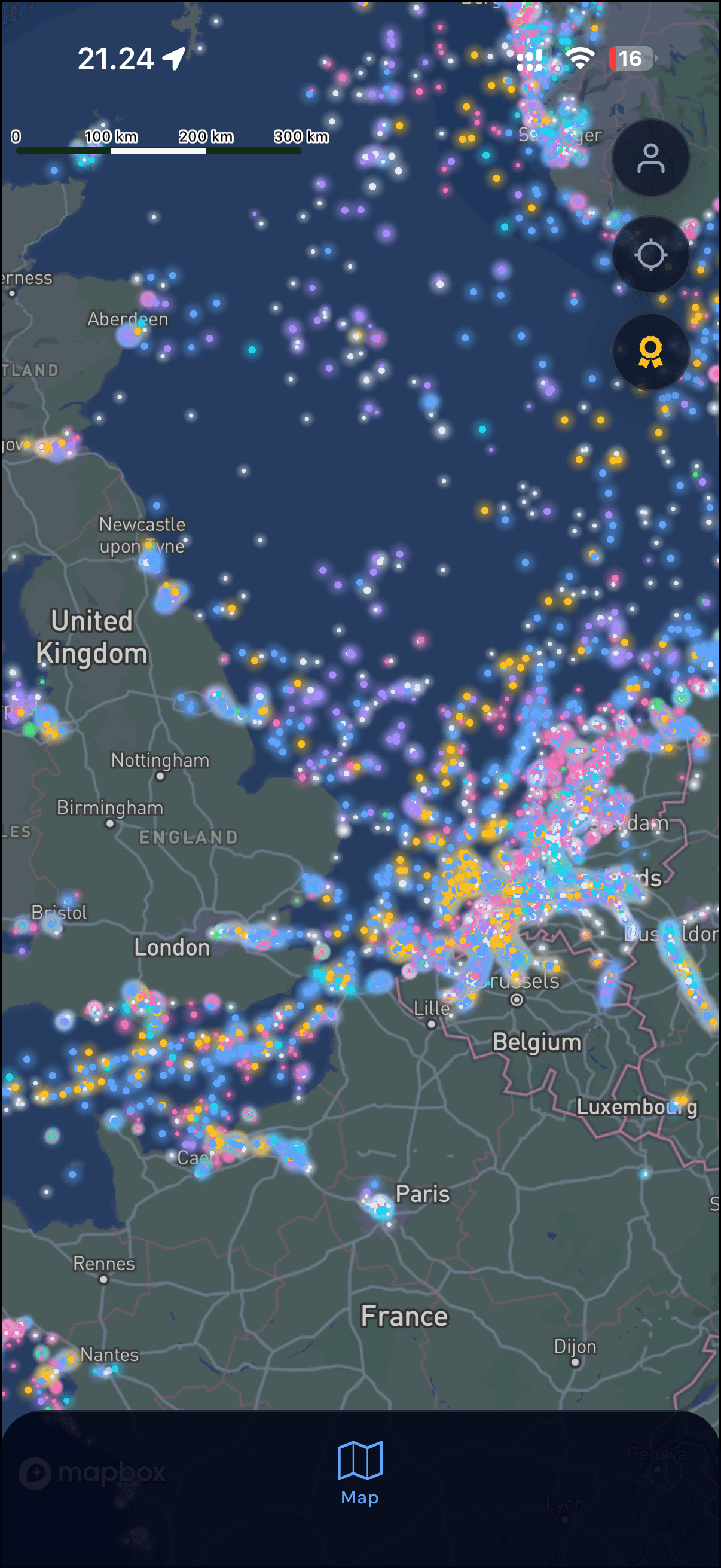
A messaging layer on top of every vessel at sea.
Chat with any boat
Send a message to any AIS-broadcasting vessel under the handle of your choice — your real name or a pseudonym.
Claim your boat
Your vessel has an inbox. Claim it to read messages from spotters worldwide.
Live map
Watch thousands of vessels move across the globe in real time.
Spot & earn
Log sightings, share photos, collect points, climb the leaderboard.
A live social layer over every ocean.
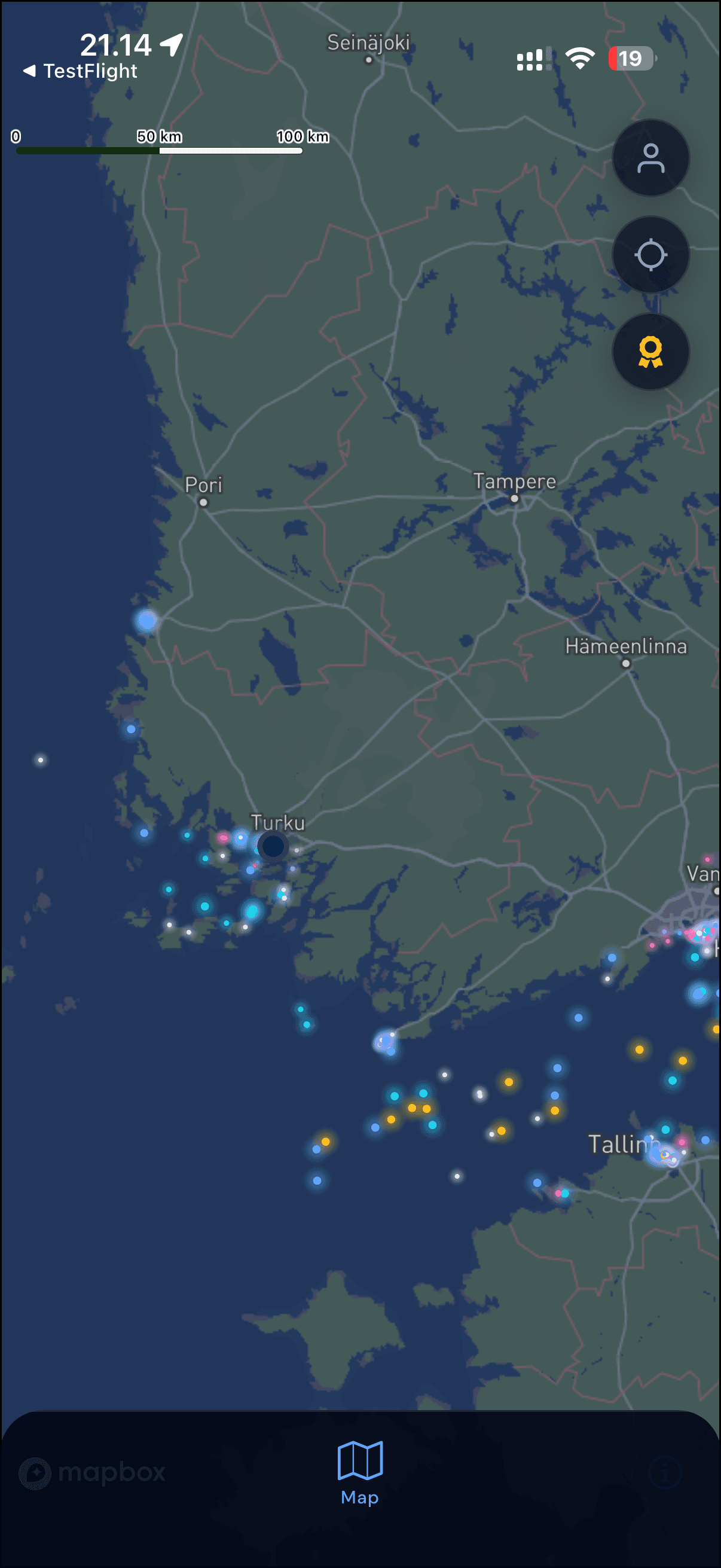
Glowing dots — every boat, reachable.
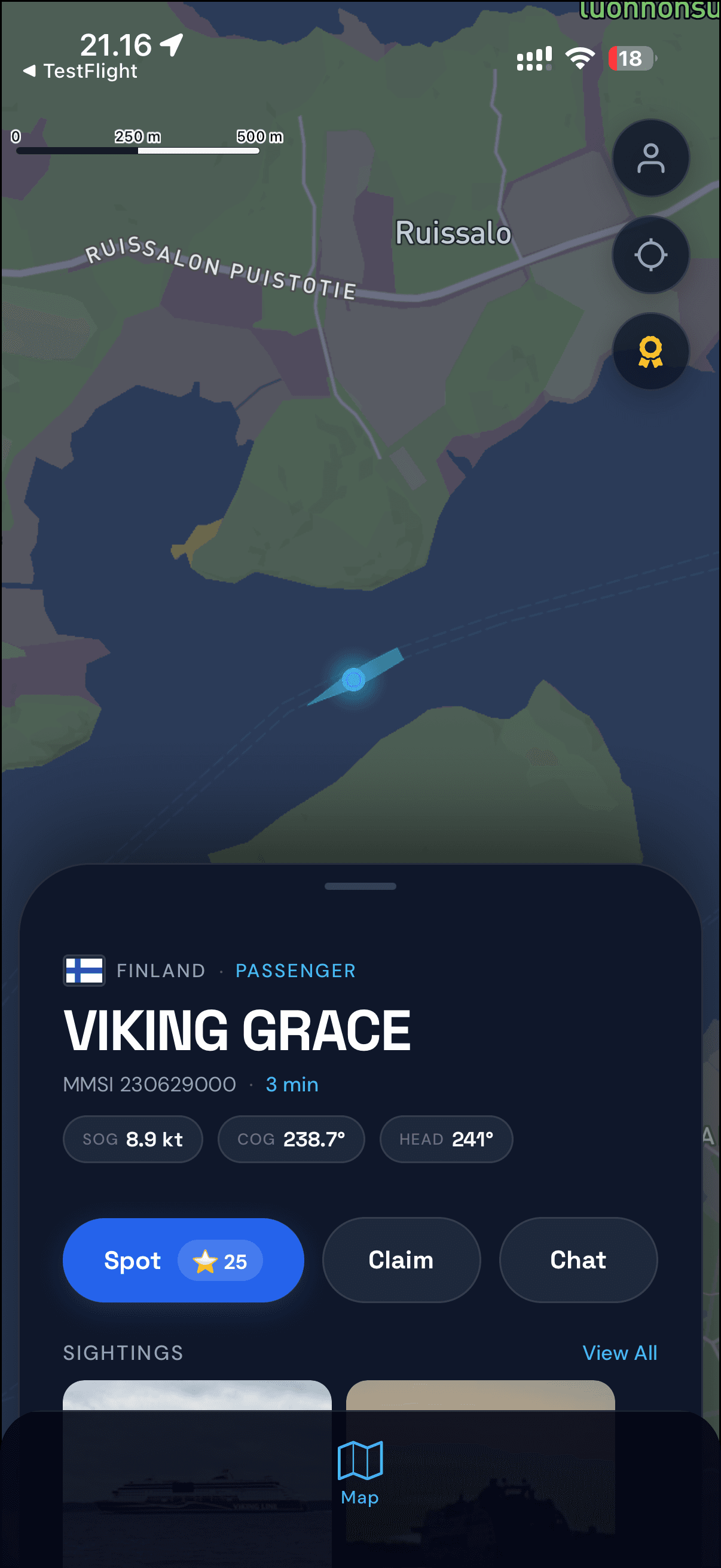
Tap a boat. Chat, claim, or spot.

Share what you see on the water.
Every coastline. Every ocean.
From the Baltic to the Gulf of Finland, the Med, the Channel, and both American coasts — if a boat is broadcasting AIS, you can spot it.
Three taps to your first message.
Tap any boat on the map.
Every AIS-broadcasting vessel is a valid recipient.
Send a message.
Under any handle you like — real name or pseudonym, your call.
Claim your own boat to read the replies.
And see who's been spotting you along the coast.
Frequently asked questions
Why can't I see any vessels on the map?
How do I claim my own boat?
How do I message a boat?
Does AIS Social work offline?
How do I report a bug or request a feature?
Getting started
- Install AIS Social from the App Store and open the app.
- Allow location access so the map can centre on you and show nearby vessels.
- Sign in with your Apple or Google account so you can claim your boat and message other users.
- Tap any vessel on the map to see its details, spot it, or start a conversation with its owner.
Contact support
The fastest way to reach us is by email. We usually reply within a few business days.
info@humeko.comPrivacy & your data
You can request a copy of your personal data or delete your account at any time. Email info@humeko.com with your request — this is also the contact address for any GDPR-related query.
Ready to set sail?
AIS Social is free on the App Store — iPhone only, for now.